











From Customer Artwork to Retail Revenue
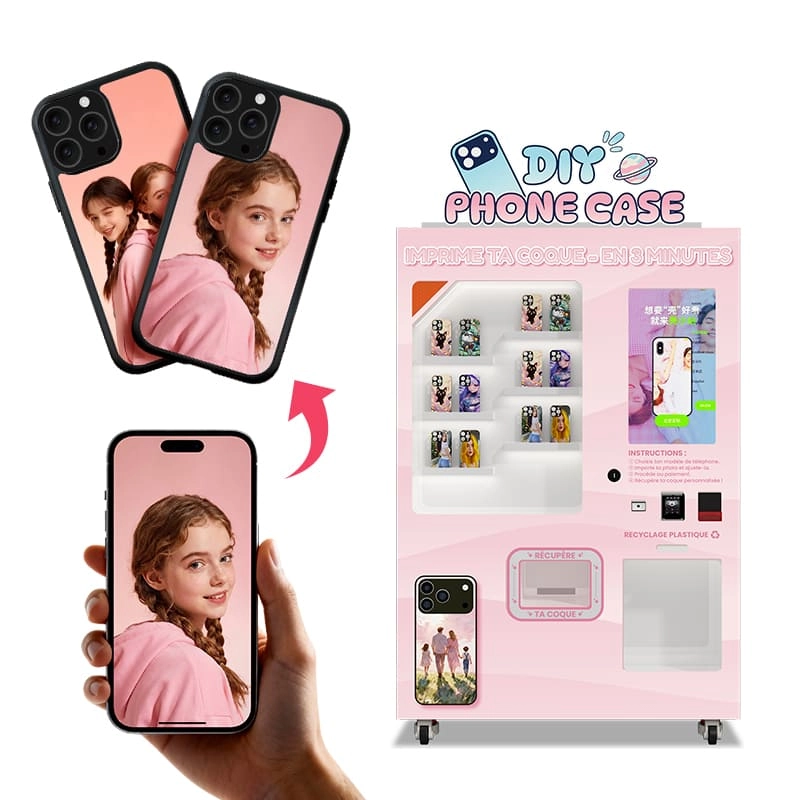
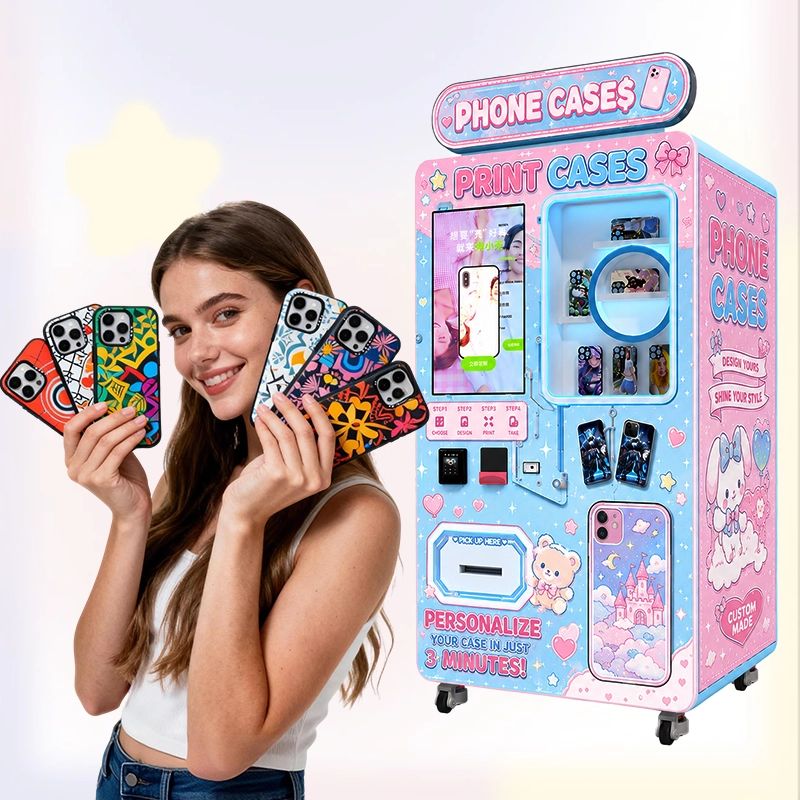
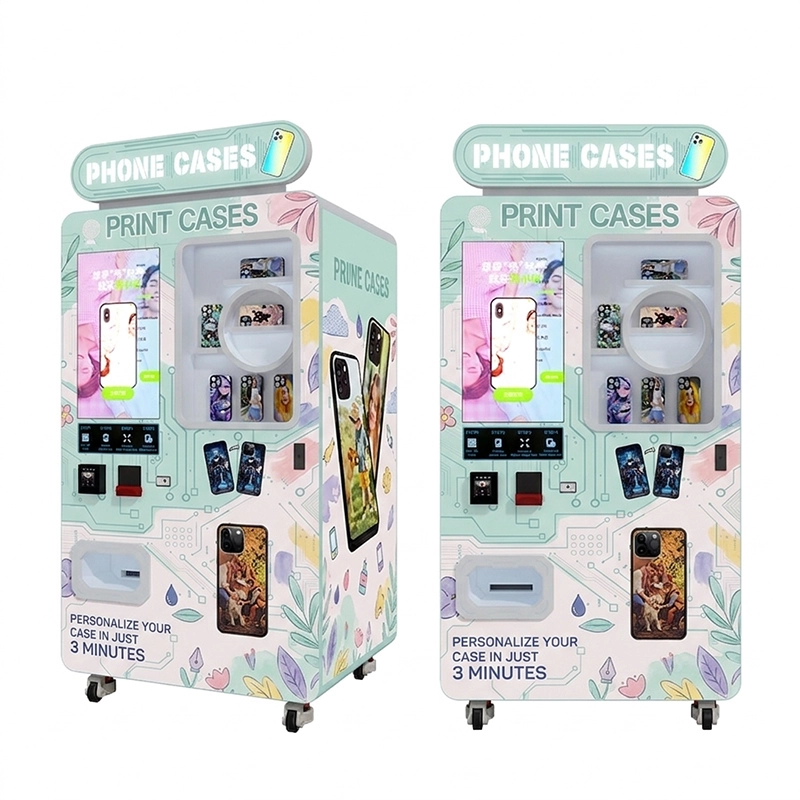
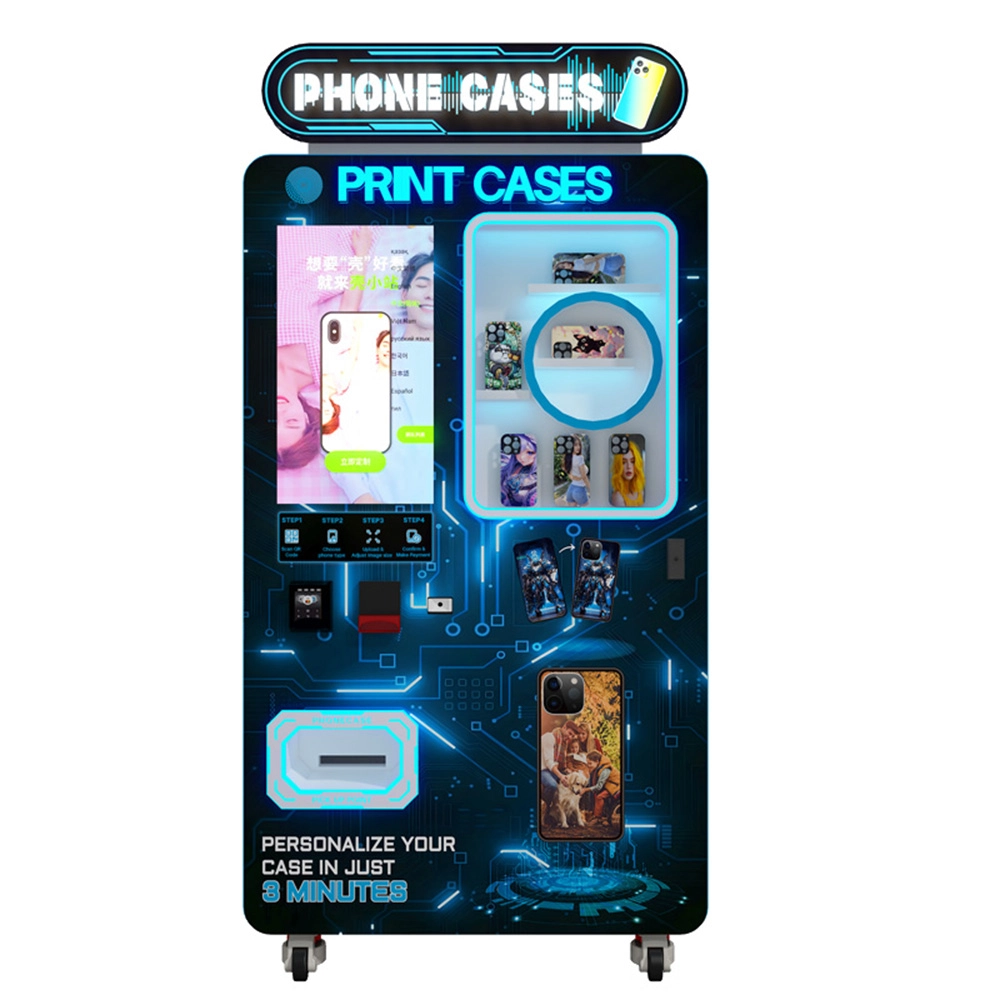
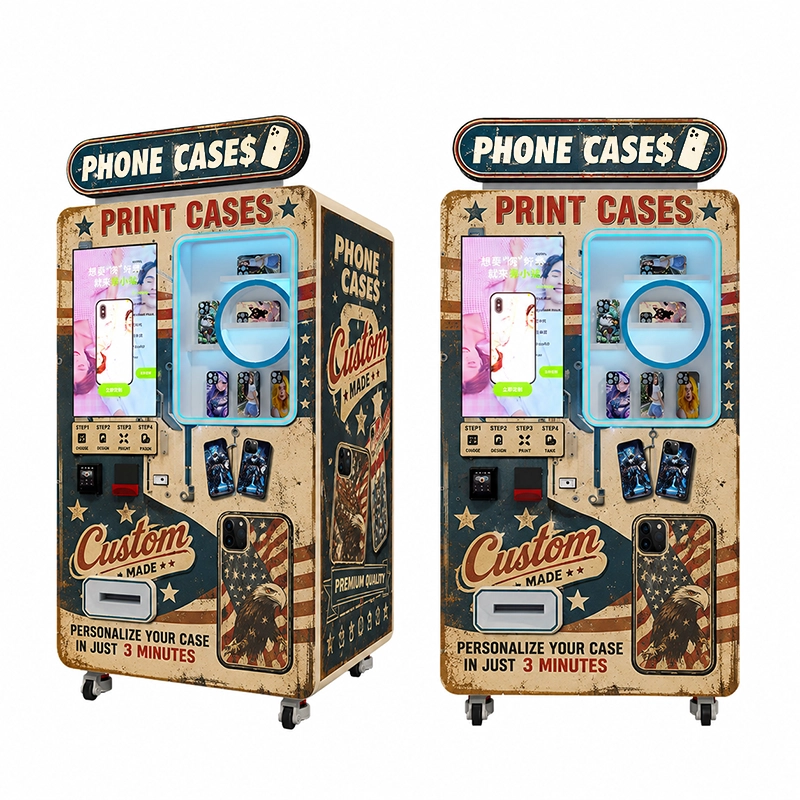
When a customer stands in front of a phone case vending machine, the experience feels simple: choose a phone model, upload an image, adjust the layout, pay, and collect the case. Behind that simple flow is a coordinated system of hardware, software, printing control, case inventory, payment configuration, and service planning. KeMore designs this type of system for operators who want to sell custom mobile accessories without depending only on a staffed print counter or a traditional phone accessory shelf.
A normal phone case display depends on fixed inventory. The operator buys finished designs in advance and hopes customers like them. A custom phone case vending machine changes the business logic. The machine stores printable blanks and turns customer choices into finished products at the point of sale. That means one vending location can offer many more design possibilities without physically stocking every finished design.
This is why DIY case vending is attractive for malls, airports, campuses, tourist destinations, retail stores, brand pop-ups, game centers, and entertainment venues. The machine does not just sell a case. It creates a personal moment: a travel photo, a pet image, a couple picture, an anime-style design, a festival graphic, a local landmark, or a branded campaign visual becomes a product the customer can hold within minutes.
Artwork Input
Customers can upload photos, choose templates, add text, or adjust design elements through the machine interface.
Model Matching
The selected phone model must match a compatible blank case before printing can begin.
File Processing
The system prepares the design for print size, alignment, coverage area, and final visual preview.
UV Printing
The machine applies the design to the printable phone case surface with controlled print positioning.
Payment Flow
Operators can configure payment methods according to local retail habits and project requirements.
Finished Case Pickup
The completed custom case is dispensed for immediate collection, turning design intent into a finished retail product.
Step 1: The Customer Selects the Phone Model
The first operational step is phone model selection. This seems basic, but it decides whether the order can be fulfilled. Every phone model has different camera positions, edge shapes, button openings, size tolerances, and printable areas. If the customer chooses the wrong model, the finished case may not fit. If the operator stocks the wrong blank case mix, the machine can lose sales even when traffic is strong.
From KeMore’s perspective, model coverage is not only a technical issue. It is a revenue issue. Operators need to match their machine inventory to local smartphone usage. A campus may need a different model mix from an airport. A shopping mall may need deeper stock for popular iPhone and Samsung models. A tourist location may need mainstream devices with strong weekend buffer stock. This is why inventory planning should be connected to the whole vending business, not treated as an afterthought.
Buyers preparing a project should review KeMore’s related stock-planning content such as blank phone case inventory planning, starter stock checklist for phone case vending machines, and phone case inventory planning and stockout prevention. These topics are directly connected to whether the design-to-case workflow can keep producing sales.
Step 2: The Machine Receives the Customer Design
After the phone model is selected, the customer needs a simple way to provide artwork. A strong DIY phone case printing experience should not feel like professional design software. Customers want fast actions: upload a photo, choose a template, move the image, add text, preview the case, and confirm. If the screen flow is confusing, customers may abandon the order before payment.
This is where interface design becomes a commercial factor. A self-service phone case printing machine should guide the user naturally from idea to order. The layout needs enough creative freedom without adding too many steps. For example, the system can provide common templates, background styles, local souvenir visuals, seasonal graphics, brand IP materials, or promotional designs. For a shopping mall, cute and lifestyle designs may perform well. For a tourist site, landmarks and memory-based templates may convert better. For a campus, student themes, club graphics, and event patterns can improve relevance.
KeMore can support customized user-interface planning through its vending machine customization capability. For operators, the interface is not just a screen. It is the sales path. A clearer path means more completed orders, fewer questions, and stronger location profitability.
How the Customer Flow Creates Revenue
A profitable phone case vending machine business does not rely only on the machine standing in a location. It relies on how quickly the machine turns attention into action. A customer may notice the display, see sample phone cases, try a design, complete payment, and collect a finished case within the same visit. Every step must reduce hesitation.
Bright samples, machine lighting, and clear display areas help customers notice the service.
Templates and upload tools make the first design attempt fast and low-pressure.
A clear preview gives customers confidence before they commit to payment.
Payment should match local consumer habits and reduce friction at checkout.
Fast output makes the experience feel instant and keeps queues manageable.
A satisfying finished case can drive word-of-mouth, social sharing, and repeat visits.
This is the commercial strength of on-demand phone case printing. The machine can turn customization into a short, enjoyable, and repeatable retail process.
Step 3: The System Prepares a Print-Ready File
Once the design is confirmed, the system needs to prepare the artwork for production. A customer image is not automatically ready for printing. The file may need scaling, positioning, cropping, background adjustment, or conversion into the right output format. The printable area must align with the case shape and avoid important openings such as the camera zone.
A good machine workflow reduces manual intervention. The customer should not need to understand resolution, print margins, case curvature, or safe areas. The system should help the customer preview what will be printed and keep the artwork within the printable zone. This protects both the customer experience and the operator’s profit because fewer bad prints mean less wasted blank case inventory.
For multi-location operators, print-file control also improves consistency. A finished case printed in one mall should match the quality expectation of another machine in a campus or airport. Operators building a chain of machines need this consistency because the brand experience depends on the customer receiving reliable output wherever the machine is placed.
Step 4: The Machine Matches the Blank Case
The blank phone case is the physical foundation of the whole product. Its size, surface treatment, material compatibility, color, and printing surface all affect the final result. If the blank is not suitable for the print method, the customer may see weak color, poor adhesion, inaccurate positioning, or a lower-value finished product.
This is why consumable planning should be part of machine selection. KeMore supports operators with printing consumables and accessories, including printable phone cases and UV printing ink. For a phone case vending machine business, compatible consumables are not small supporting items. They protect uptime, print quality, refill efficiency, and long-term customer satisfaction.
Operators should also consider product mix. Some venues may prefer clear cases, matte cases, soft-touch materials, or trendy colored blanks. Others may focus on basic high-volume models. The best strategy is to start with a practical range, collect sales data, and expand the blank case selection only when demand is proven.
Step 5: UV Printing Turns the Design Into a Finished Surface
In many DIY phone case vending projects, UV printing is used because it can create vivid graphics on compatible phone case surfaces. For operators, the value of UV phone case printing is speed, flexibility, and on-demand production. The same machine can print many different designs without changing a full production line.
However, printing quality depends on more than the printer itself. It depends on the artwork file, material surface, ink compatibility, machine calibration, environmental conditions, and regular maintenance. If operators want consistent output, they need a workflow that controls each step. This is why KeMore’s machine solution should be discussed as a complete system rather than a single printer inside a cabinet.
For buyers evaluating print technology, KeMore’s UV printing equipment category helps connect the phone case vending machine with broader printing capability. This is useful for distributors, print-service operators, and smart retail businesses that may want to expand from phone cases into other personalized products over time.
Step 6: Payment Confirms the Order and Protects the Transaction
Payment is one of the most important points in the customer journey. A user may like the design, but if payment is confusing or unsuitable for local habits, the order may fail. A vending project in one country may require QR payment, while another market may need card payment, mobile wallet, or another local system. For commercial deployment, payment should be planned before installation, not added as an afterthought.
Operators should also think about transaction reliability. A self-service retail machine may operate without staff nearby, so the payment flow must be clear, secure, and easy to understand. If the customer pays but does not understand what happens next, the experience becomes risky. Good screen prompts, order status updates, and visible collection points help maintain confidence.
Through custom vending machine configuration, KeMore can discuss interface, payment guidance, language, branding, and machine function options for different retail markets. The goal is not only to accept payment, but to make payment feel like a natural step in the design-to-case process.
Step 7: The Machine Dispenses the Finished Case
The dispensing step completes the promise of instant customization. The customer sees a finished case, collects it from the machine, and immediately understands the value of the service. This is different from online customization, where the emotional moment is delayed by shipping. In a vending project, the result happens in front of the customer.
That immediate pickup has strong commercial value. Customers are more likely to buy when they can receive the product now. They can also show the finished case to friends nearby, which can trigger another order. In a mall, campus, or tourist site, this visible result can create micro word-of-mouth. One finished case can become live proof that the machine works.
Operators should make this pickup zone easy to identify. Lighting, collection slot position, instruction labels, and finished-product visibility can all affect user confidence. Small design decisions around the vending interface can influence how many people complete the process.
Where the Big Revenue Potential Comes From
The profit potential of a DIY phone case vending machine comes from several layers. First, personalized phone cases can carry higher perceived value than generic cases because customers are paying for identity, memory, and self-expression. Second, the machine reduces the need for full-time sales staff. Third, the same equipment can work in high-traffic locations where customers already have time, emotion, and impulse-buying behavior.
For operators, the revenue logic can include case sales, branded templates, event campaigns, souvenir themes, local IP cooperation, advertising screens, seasonal promotions, and repeat consumable supply. A machine placed in the right location can operate as a retail point, a customization station, and a marketing display at the same time.
Buyers can also study KeMore’s phone case vending machine profit and ROI breakdown and the Spain phone case printing machine case study to understand why scalable deployment matters. A single machine can test demand; multiple machines can create a network effect, better refill planning, and stronger brand presence.
Machine Design Also Affects Conversion
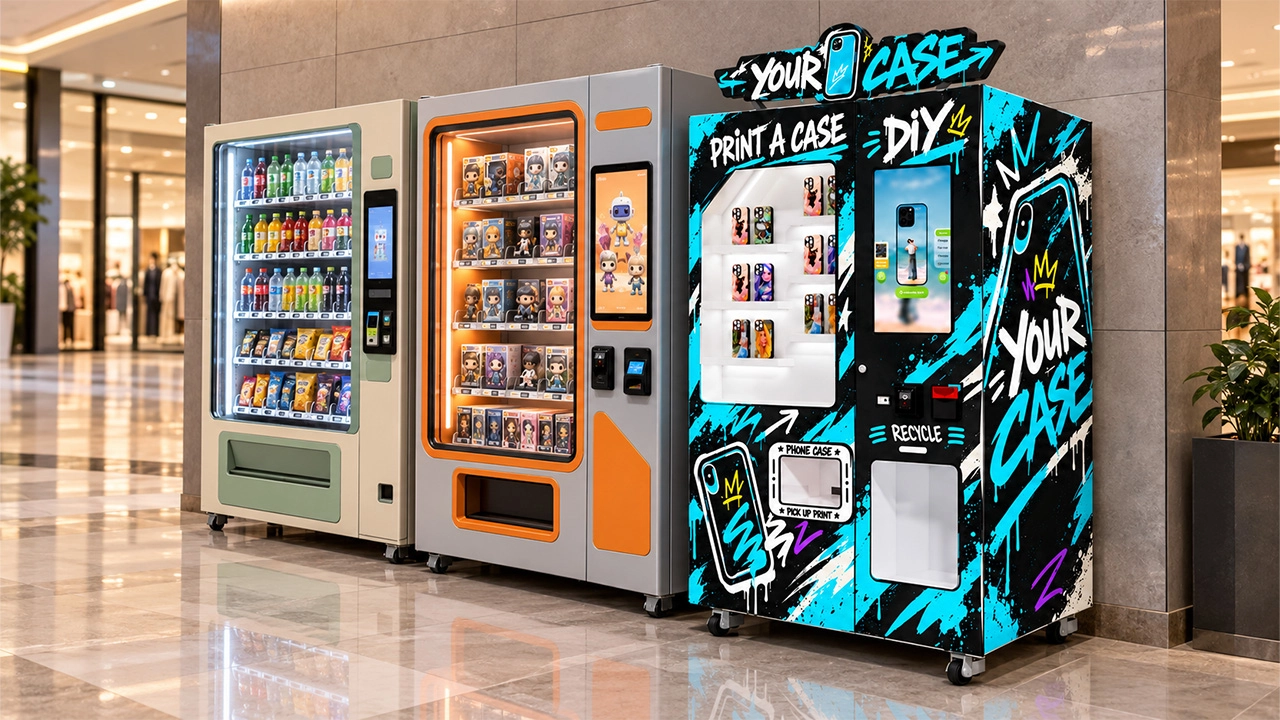
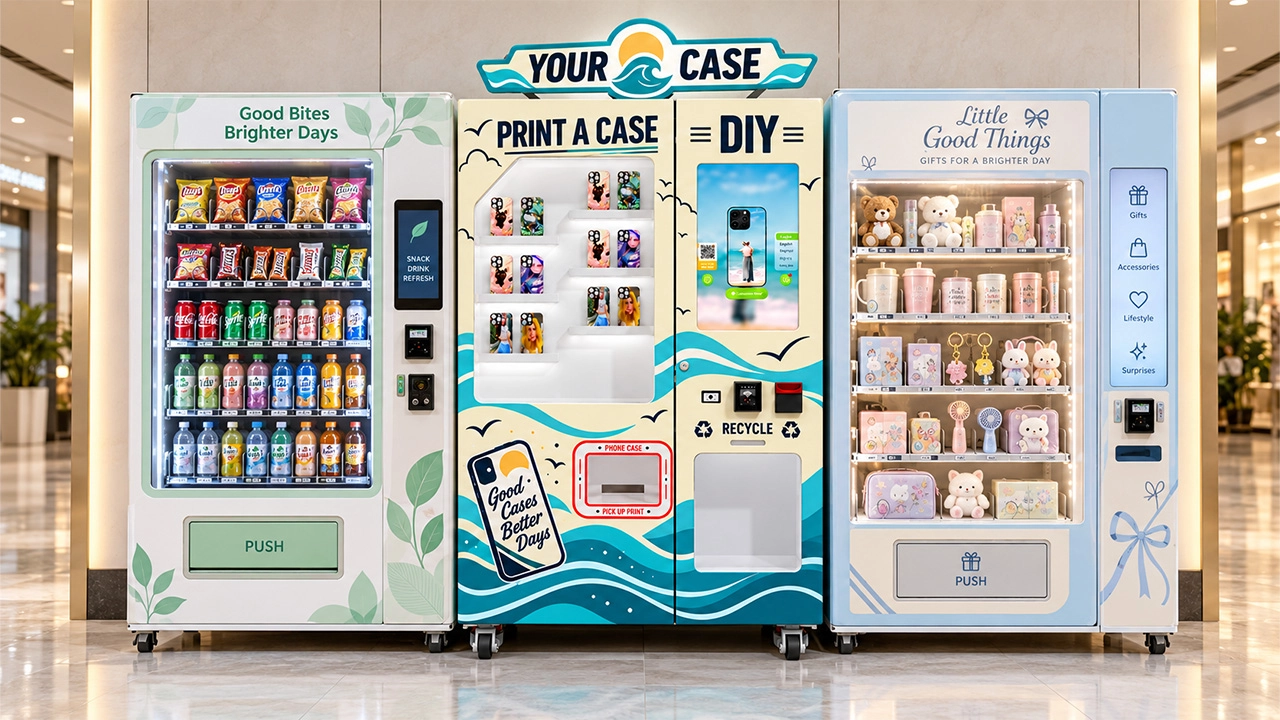
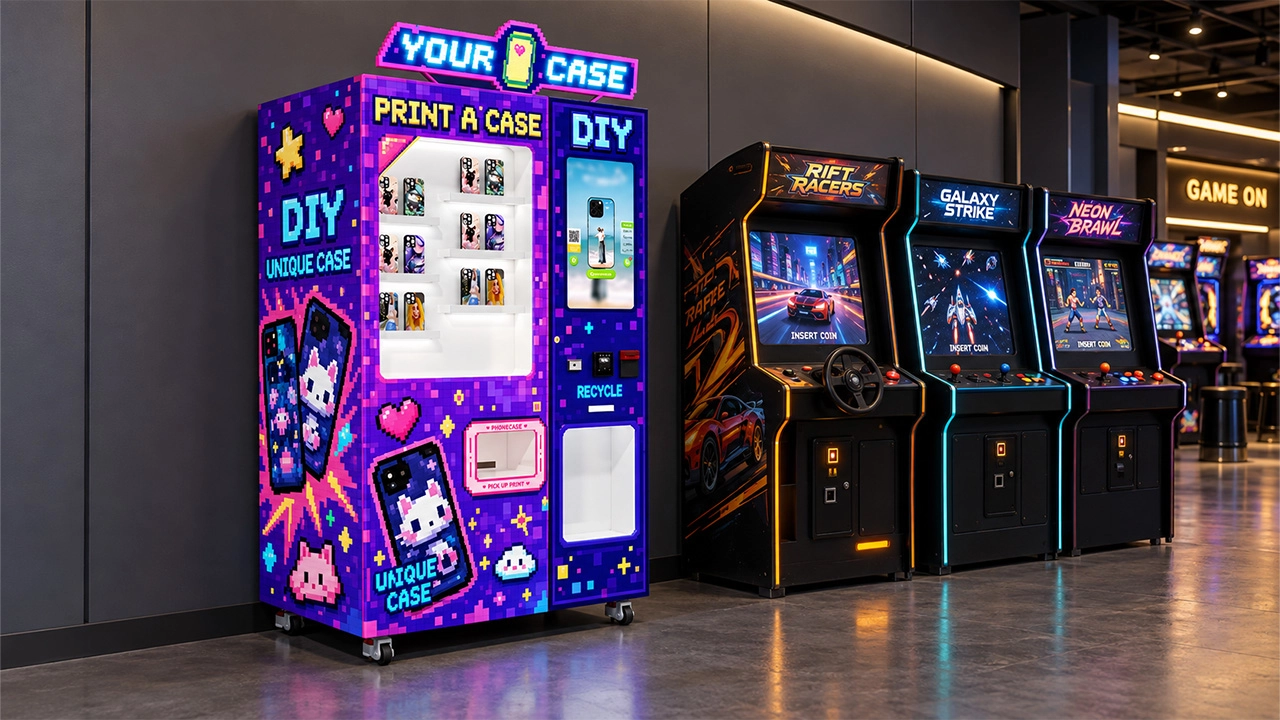
The machine cabinet is not only a protective shell. It is part of the selling system. A machine with clear lighting, visible samples, understandable instructions, clean display zones, and a recognizable collection point can attract more customers than a machine that looks like a closed technical device.
The outer design should match the site. A premium mall may need a clean and modern appearance. A family entertainment center may need a brighter and more playful look. A tourist attraction may need local visual identity. A campus may need youthful and social-friendly graphics. KeMore can discuss machine appearance, decals, UI interface, language display, payment area, LED signage, and function configuration based on project requirements.
This matters because operators are not only buying equipment. They are buying a retail interaction. When customers understand the machine from a distance, approach it with curiosity, and feel confident using it, conversion improves.
Remote Management Helps Operators Scale
A single vending machine can be managed manually. A network of machines cannot. Once operators manage multiple locations, they need remote visibility: machine status, order volume, stock levels, fault alerts, refill timing, and sales performance. Without remote management, staff may waste time visiting machines that do not need service while missing machines that are close to stockout.
Remote data helps operators protect revenue. If one phone model sells faster than expected, the operator can prepare refill stock before the machine loses orders. If a certain design category performs well, the operator can add similar templates. If a location underperforms, the operator can adjust pricing, signage, placement, or model mix.
KeMore’s broader smart retail machine category reflects this direction. The future of phone case vending is not only hardware. It is data-driven, location-aware, and operation-focused.
What Buyers Should Confirm Before Starting a Project
Before requesting a quotation, buyers should prepare a project brief. This helps KeMore recommend a configuration that fits the business rather than a generic machine. Important details include target country, venue type, expected daily traffic, supported phone models, preferred payment method, machine appearance needs, UI language, case material preference, refill method, service plan, and launch timeline.
Buyers should also think about whether the machine will be a standalone business, part of a mobile accessory store, a mall service point, a tourist souvenir station, or a distributor-operated network. Each model has different requirements. A mall machine may prioritize visual attraction. A distributor network may prioritize maintenance access and spare parts. A brand campaign may prioritize custom appearance and template management.
KeMore can support project discussion through service support, product configuration, sample testing, customization review, and consumable planning. The clearer the project brief, the easier it is to build a vending solution that can actually generate long-term returns.
How This Workflow Connects With Other Smart Retail Products
A DIY phone case vending machine can become the first entry point into a broader smart retail product line. Many operators begin with phone case customization because it is visual, personal, and easy for customers to understand. After the location proves demand, operators may consider adding related services such as screen protector vending, badge printing, T-shirt printing, or other self-service customization formats.
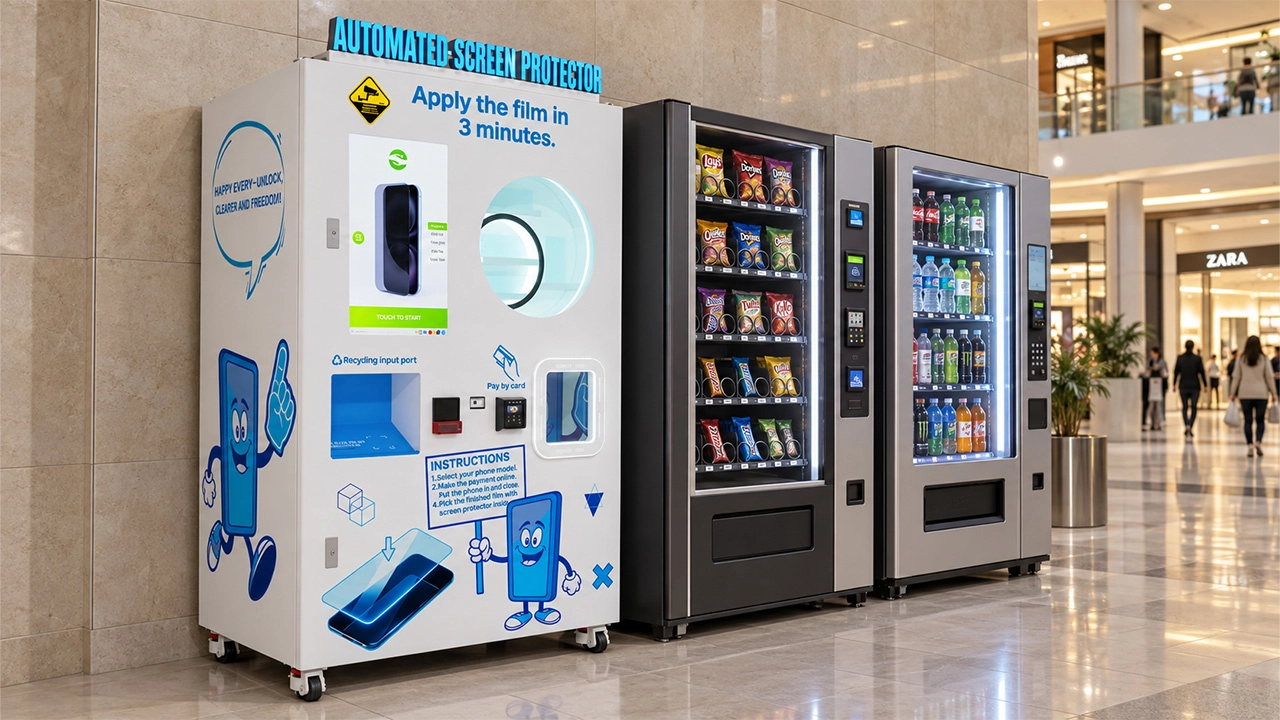
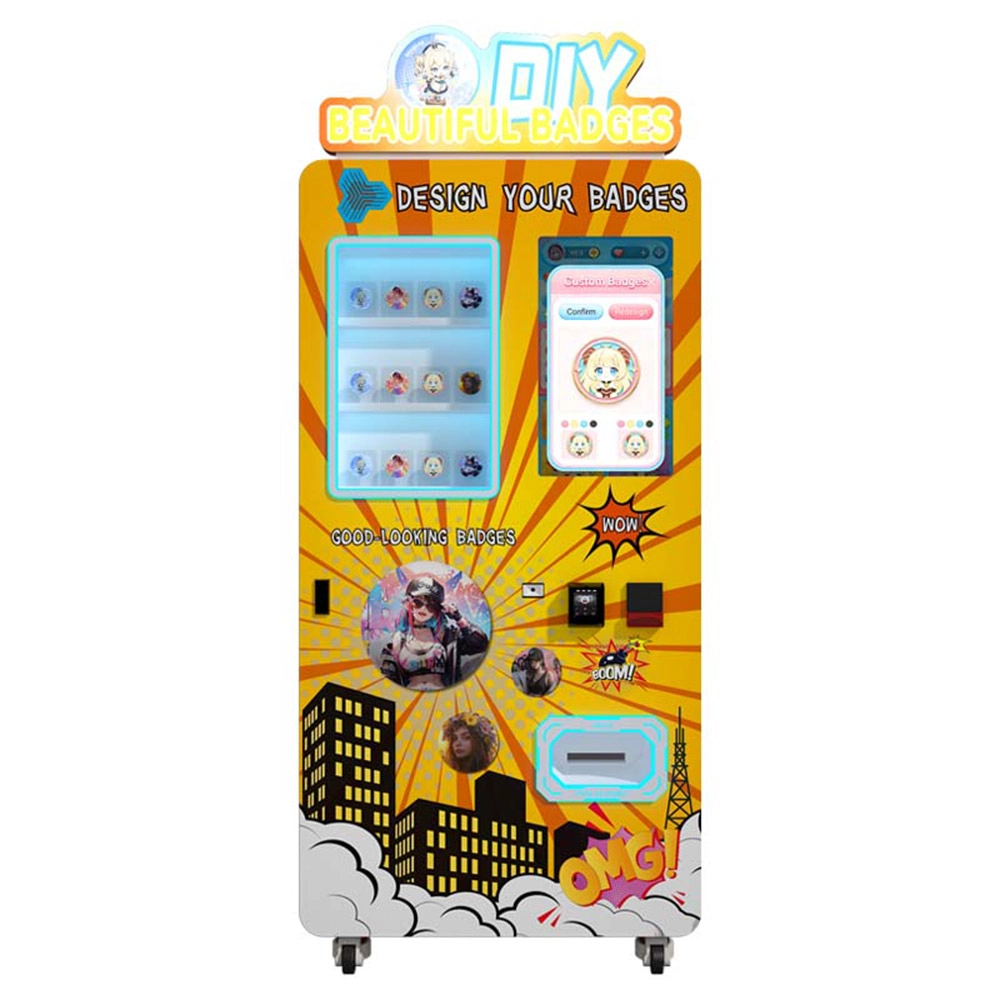
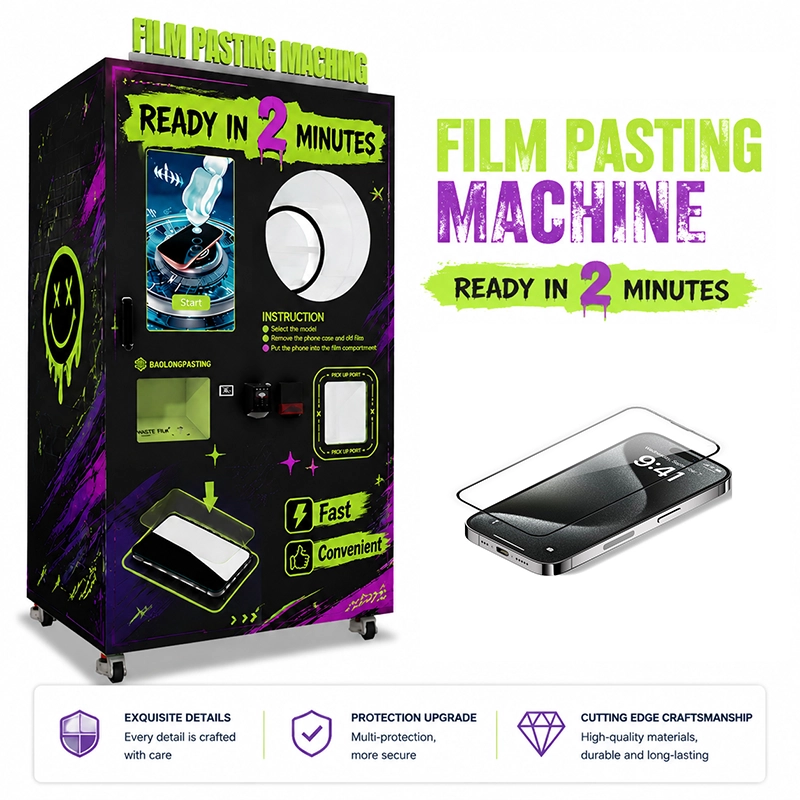
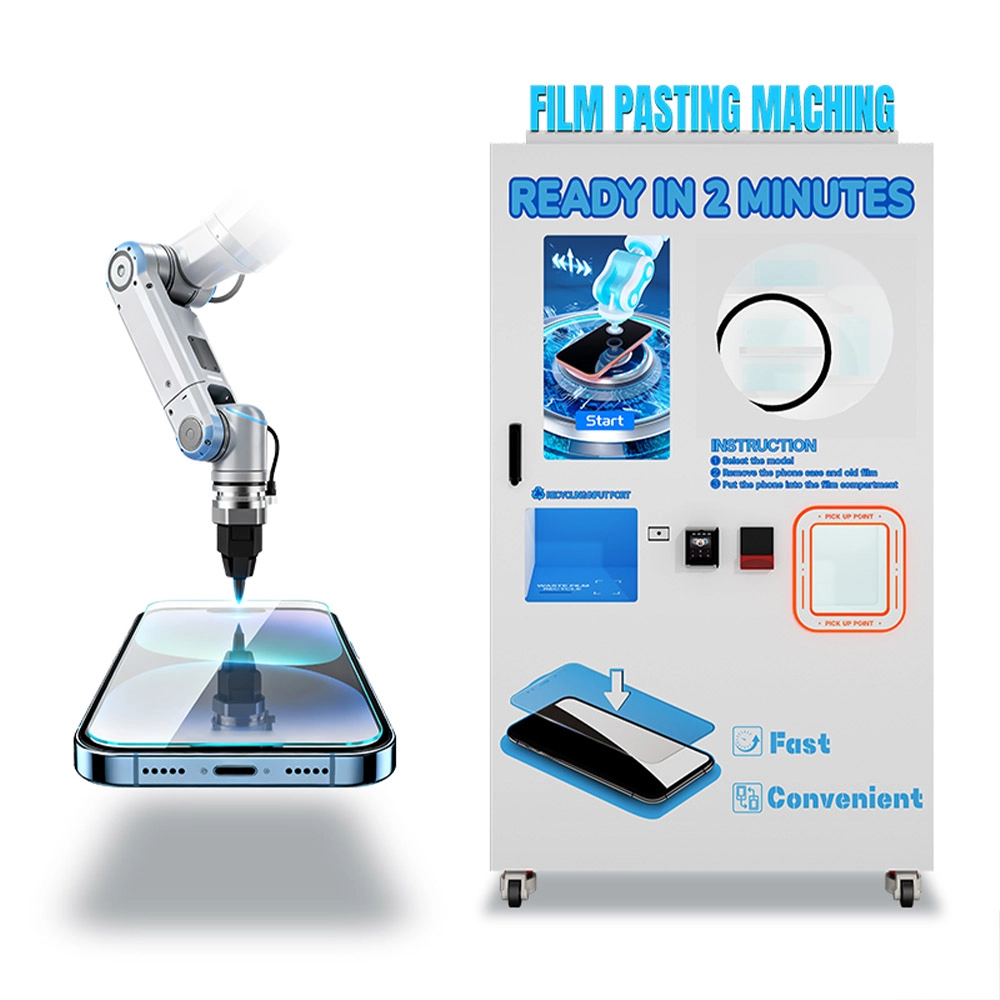
KeMore’s product ecosystem supports this direction. A screen protector vending machine can serve practical phone protection demand. A T-shirt printing vending machine can extend personalization into apparel. A badge printing vending machine can work for events, campuses, and brand activities.
This gives operators flexibility. They can start with one machine type, learn customer behavior, and then expand into a complete self-service custom retail corner. For shopping malls, entertainment spaces, and tourist locations, that expansion can create stronger customer engagement and multiple revenue streams within a compact footprint.
Authority-Based Project Considerations
A commercial phone case vending project should be planned with professional operation standards in mind. Payment systems should be discussed with qualified providers and local payment partners. Touchscreen interaction should consider clear text, readable contrast, simple navigation, and accessible user flow. UV printing and consumable handling should follow equipment instructions, workplace safety expectations, and suitable maintenance procedures.
Operators do not need to become standards experts, but they should treat payment reliability, user accessibility, data protection, and printing safety as real business requirements. A machine that looks attractive but is difficult to operate, hard to service, or poorly connected to local payment behavior will struggle to deliver repeatable profit.
KeMore’s role is to help buyers connect these considerations with a practical vending-machine configuration. The final solution should fit the venue, customer profile, operating team, stock plan, service capacity, and revenue target.
Project Checklist for Buyers
Mall, airport, campus, tourist site, store, pop-up, or entertainment center.
Confirm popular local phone models and required blank case coverage.
Photo upload, templates, text, branded graphics, local themes, or event visuals.
Choose payment options that match the target market and venue behavior.
Plan printable cases, ink, refill cycle, packaging, and spare consumables.
Confirm installation, training, maintenance access, spare parts, and after-sales support.
Why KeMore Looks at the Whole Business, Not Only the Machine
A DIY phone case vending machine can look like a single piece of equipment, but the business depends on a complete operating chain. The machine must attract customers, support popular phone models, process designs smoothly, print reliably, accept local payment, dispense finished products, report useful data, and remain serviceable over time.
KeMore approaches the project from that full-chain perspective. We do not only consider whether a machine can print a case. We consider how the buyer will place it, refill it, promote it, maintain it, scale it, and profit from it. A machine that supports strong operations can help the customer create a more stable business, while a machine without planning may lose sales because of poor model coverage, unclear UI, weak after-sales support, or slow consumable supply.
For buyers entering smart retail, this is the difference between buying equipment and building a revenue system. KeMore’s goal is to help customers turn personalized phone case printing into a practical commercial project.

 No. 28 Xinhuan Village Road, Xinshuikeng Village, Dalong Street, Panyu District, Guangzhou City
Facebook
Instagram
LinkedIn
YouTube
Tik Tok